Product level quantity discounts
Apply quantity discounts based on the combined total of all variants of a product in the cart.
You can configure quantity discounts so they apply based on the combined total of all variants of a product in the cart, rather than requiring each variant to individually reach the discount threshold. In other words, if a product has multiple variants (e.g., different sizes or colors), the total quantity of all those variants counts toward the discount level.
This setup is especially common in clothing wholesale: you often don't care how many of each size variant are ordered, just the total quantity across all variants of a particular style. By counting all variants together, you ensure volume discounts apply once the combined total hits your threshold, rather than requiring each variant to meet that threshold on its own.
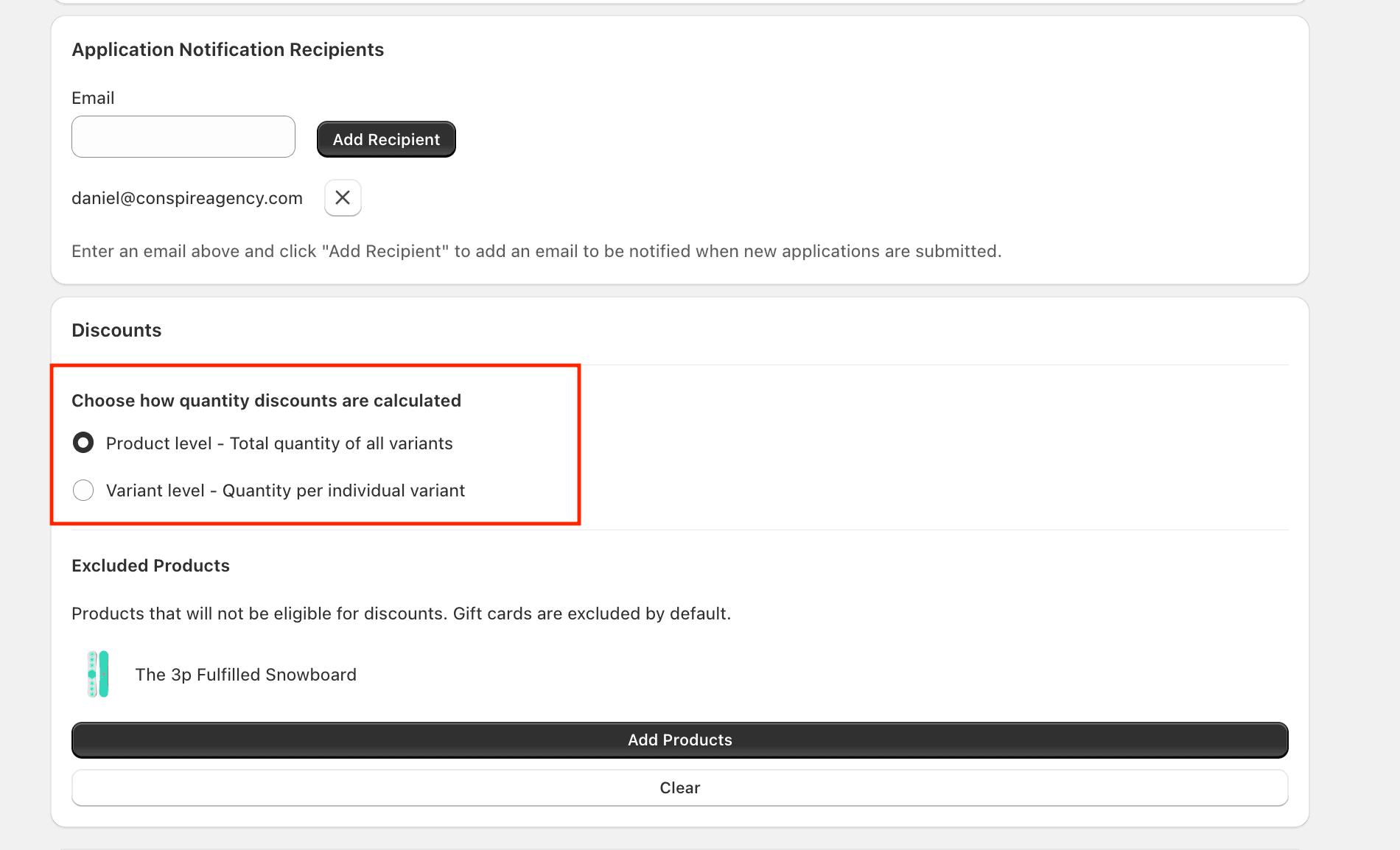
To enable this feature, go to Settings and select the "Product level" radio button.
It's important to note that with this enabled, the discounting logic in the cart will still look to that variant's price rule line in the CSV where price rules are defined. To ensure that all variants are consistently priced, you'll want to make sure that the price rules are defined the same for all variants of that product in the CSV.