Migrate existing wholesale customers to Wholesale GOAT
Bulk upload your existing wholesale customers into Wholesale GOAT with a CSV file.
Use the bulk upload flow to bring your existing wholesale customers into Wholesale GOAT.
-
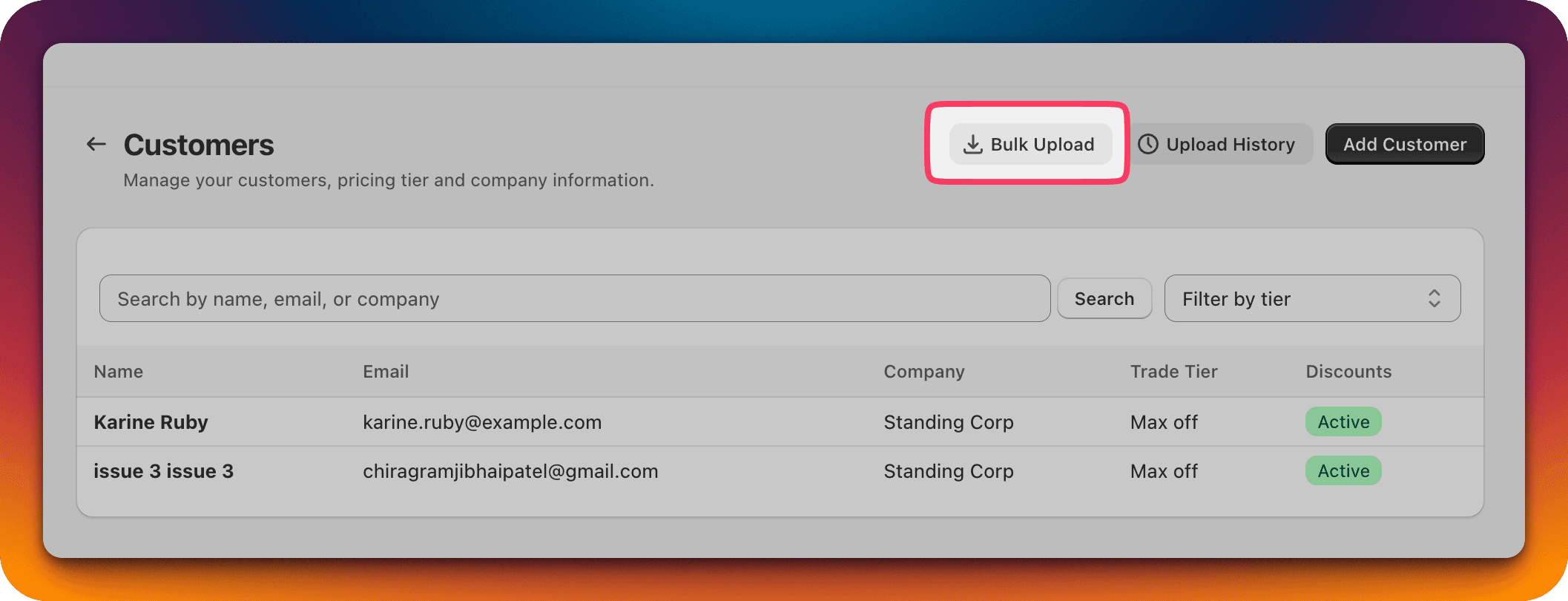
Click the "Bulk Upload" button.
-
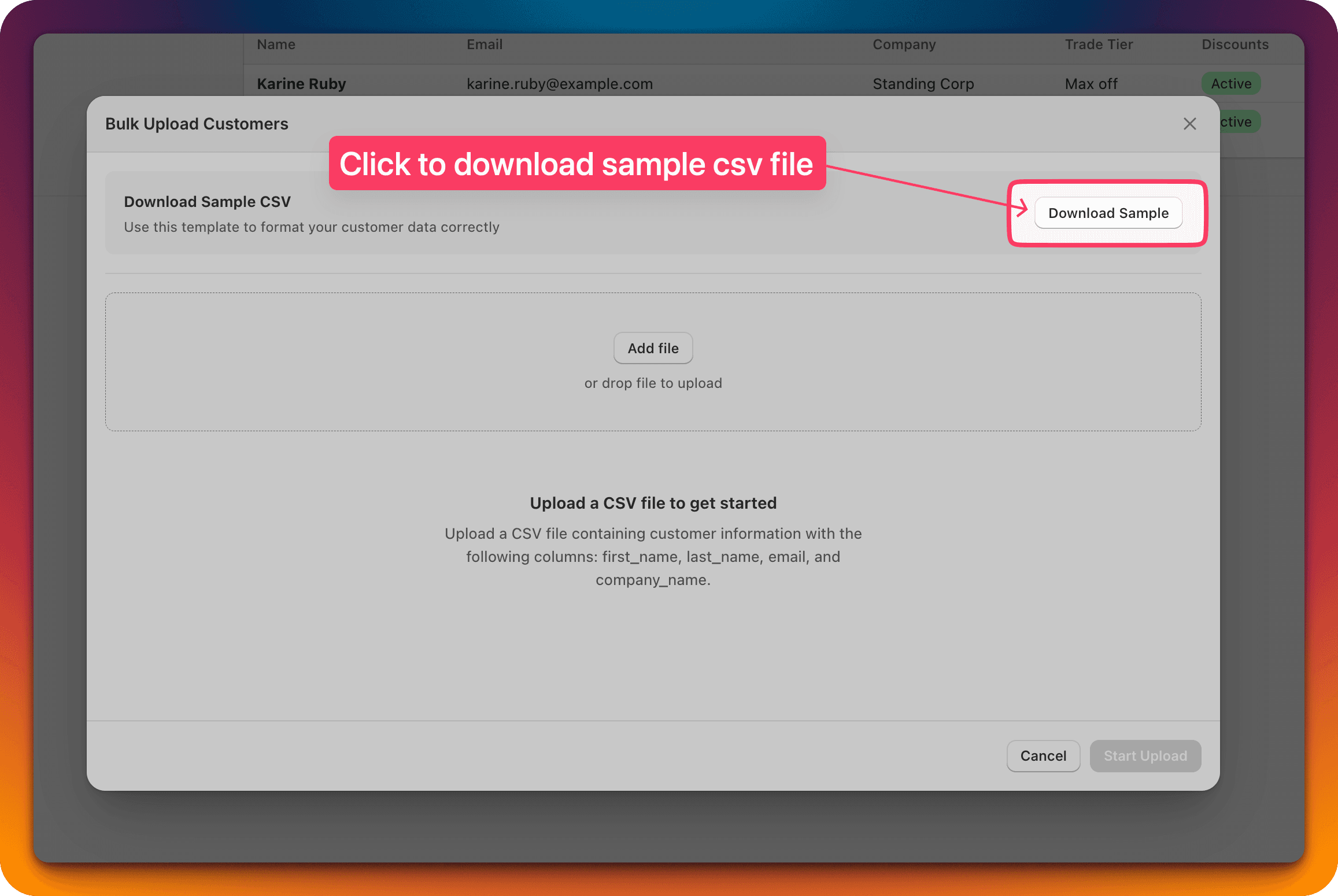
Download the sample CSV file.
-
Sample file structure:
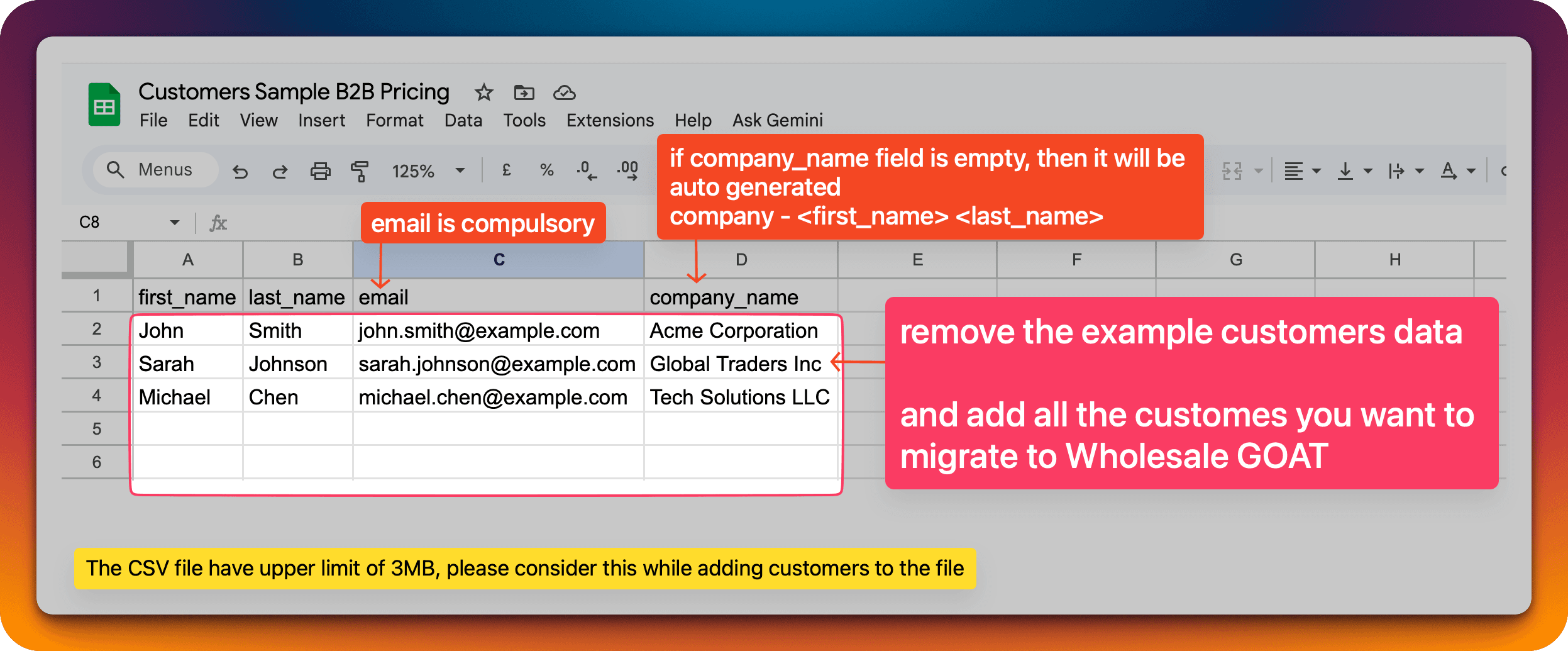
- One Company can have more than one customer.
- Duplicate or invalid emails will be rejected.
-
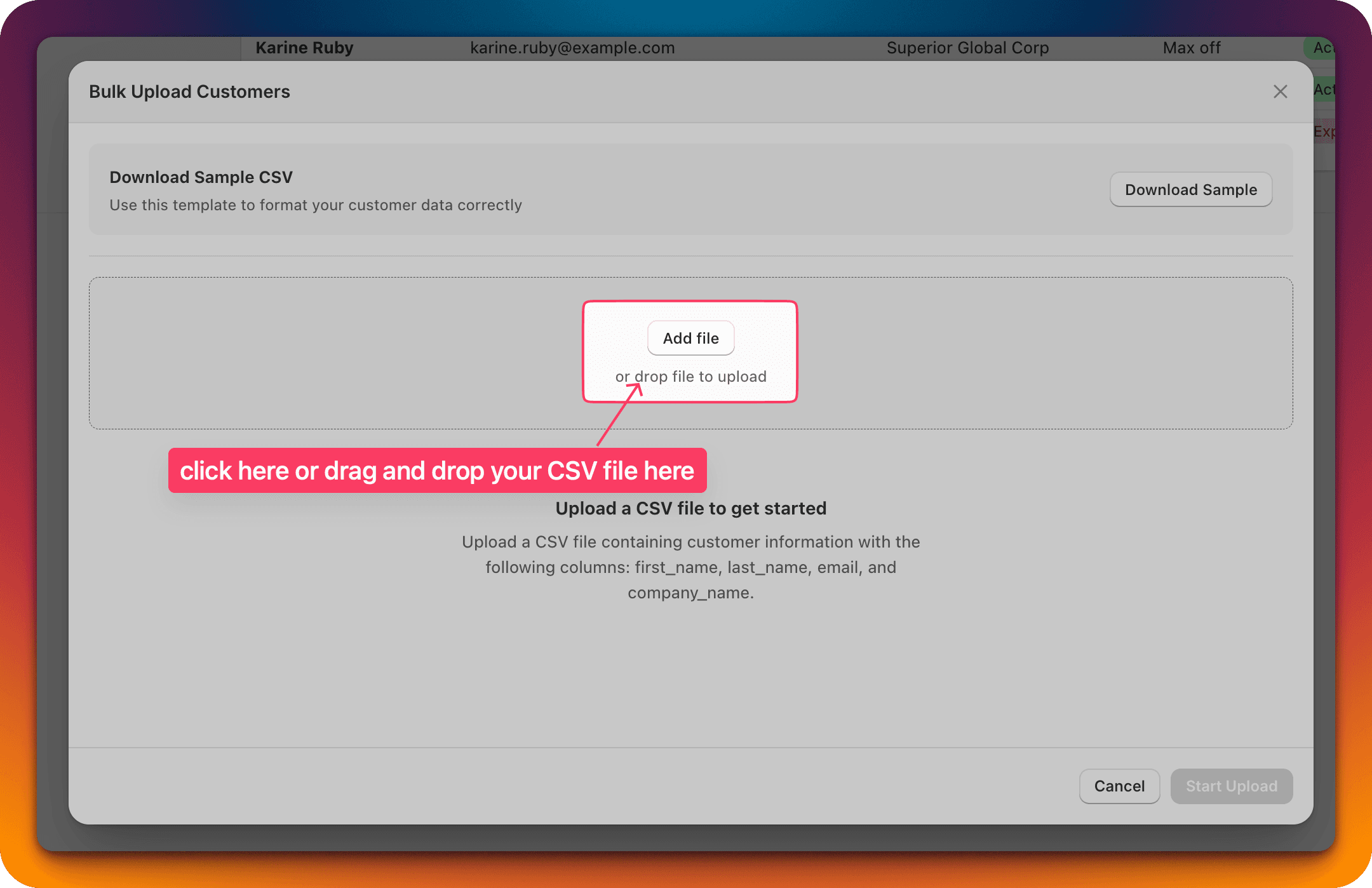
Prepare a CSV file and then upload it using the "Add file" button.
-
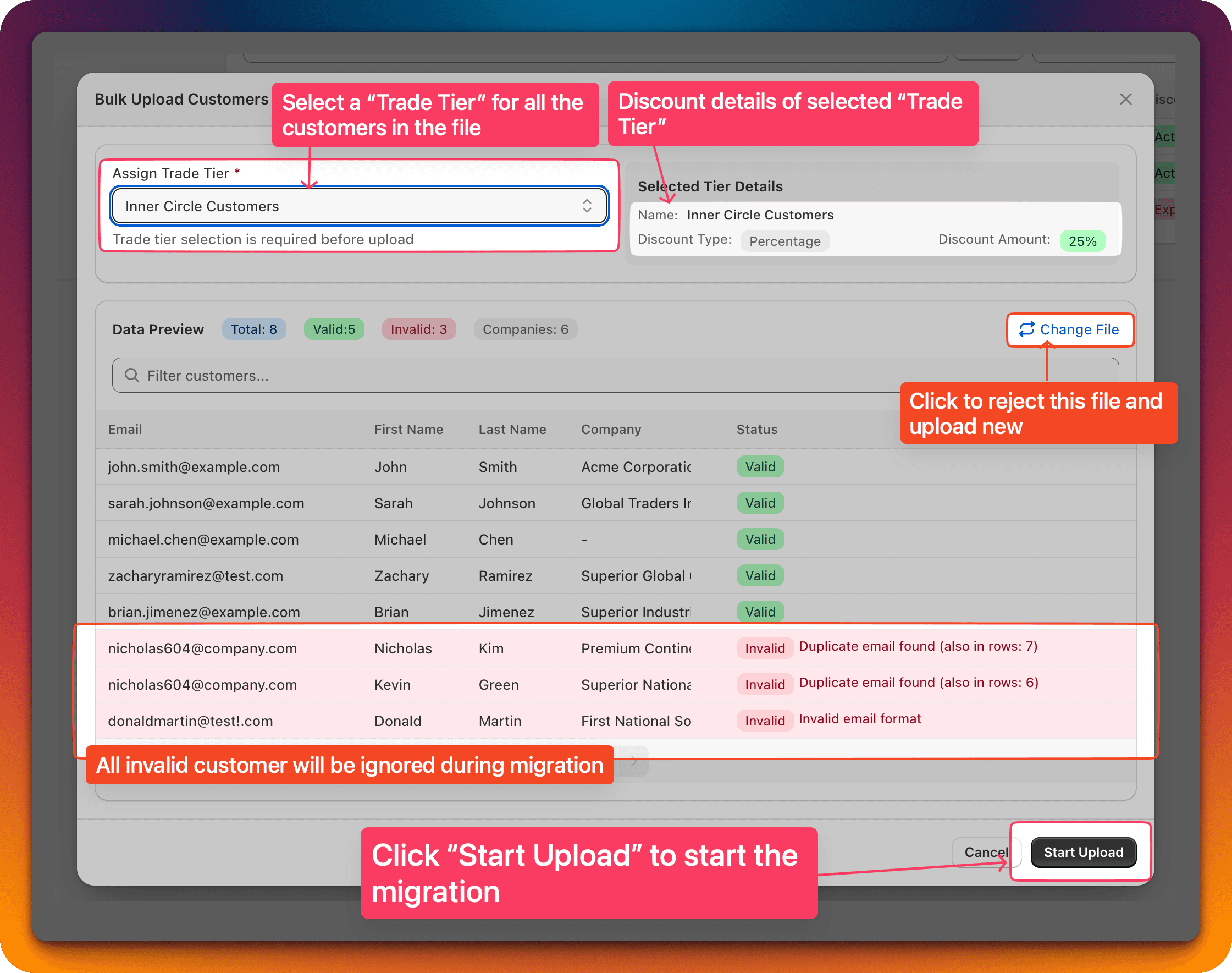
View the summary of the uploaded CSV file, and "Start Upload".
On this page you have multiple options:
- Assign a Trade Tier which will be assigned to all the customers in the upload
- "Change File" button to reject this file and upload a new one
- View all the invalid entries
- Search for a specific customer in the table
-
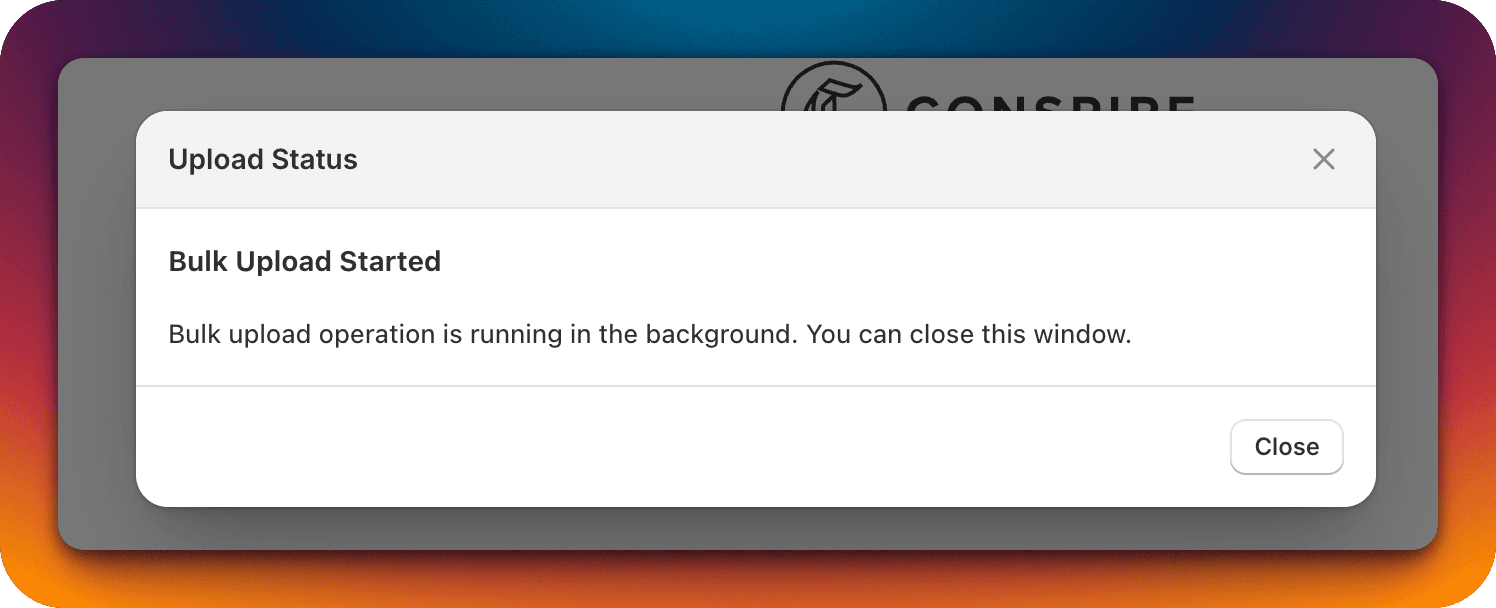
You will see this message: the bulk upload operation will continue in the background and you can close this window. The entire operation might take 10 to 30 minutes depending on the number of customers to process.
-
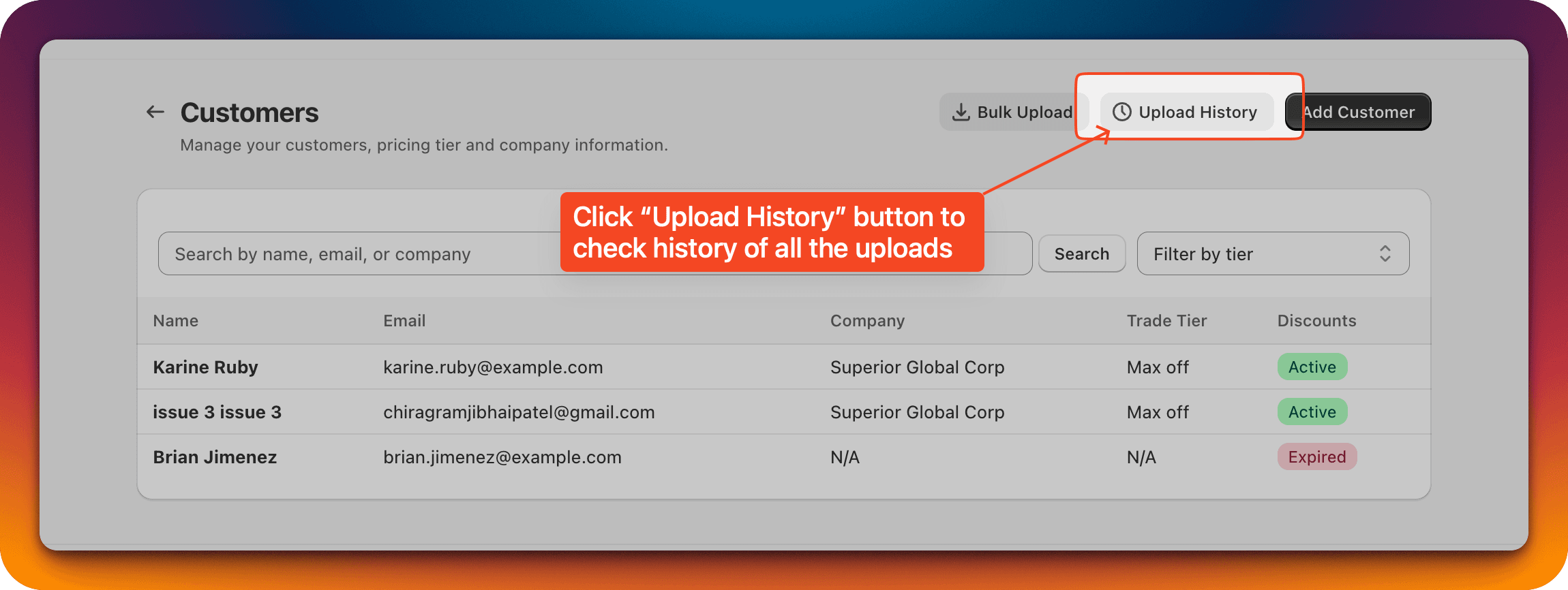
Check the upload status.
-
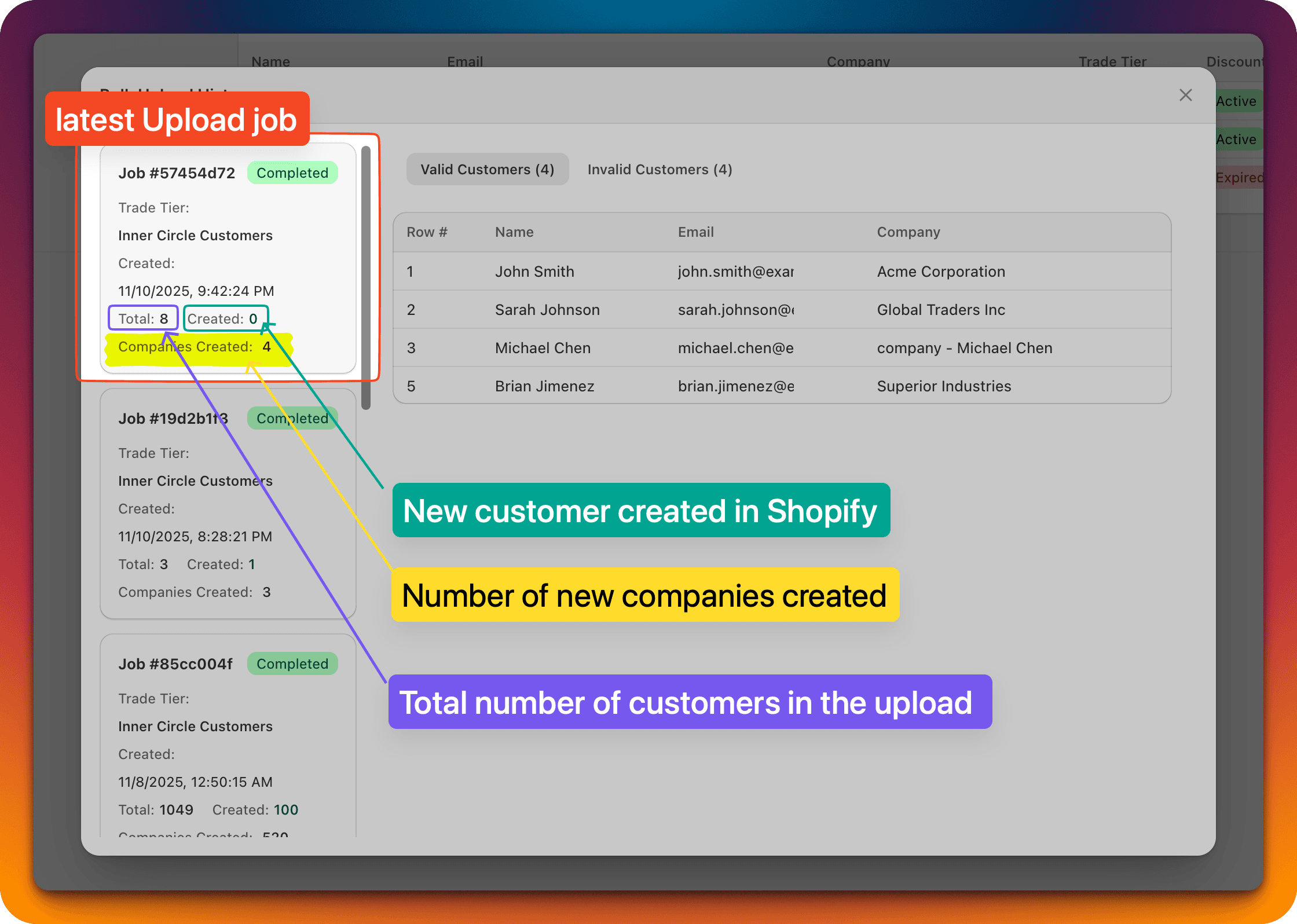
On the "History" page, you can check details like total customers in the upload, number of new customers created in Shopify, number of new companies created in the app, and status of the background job.
-
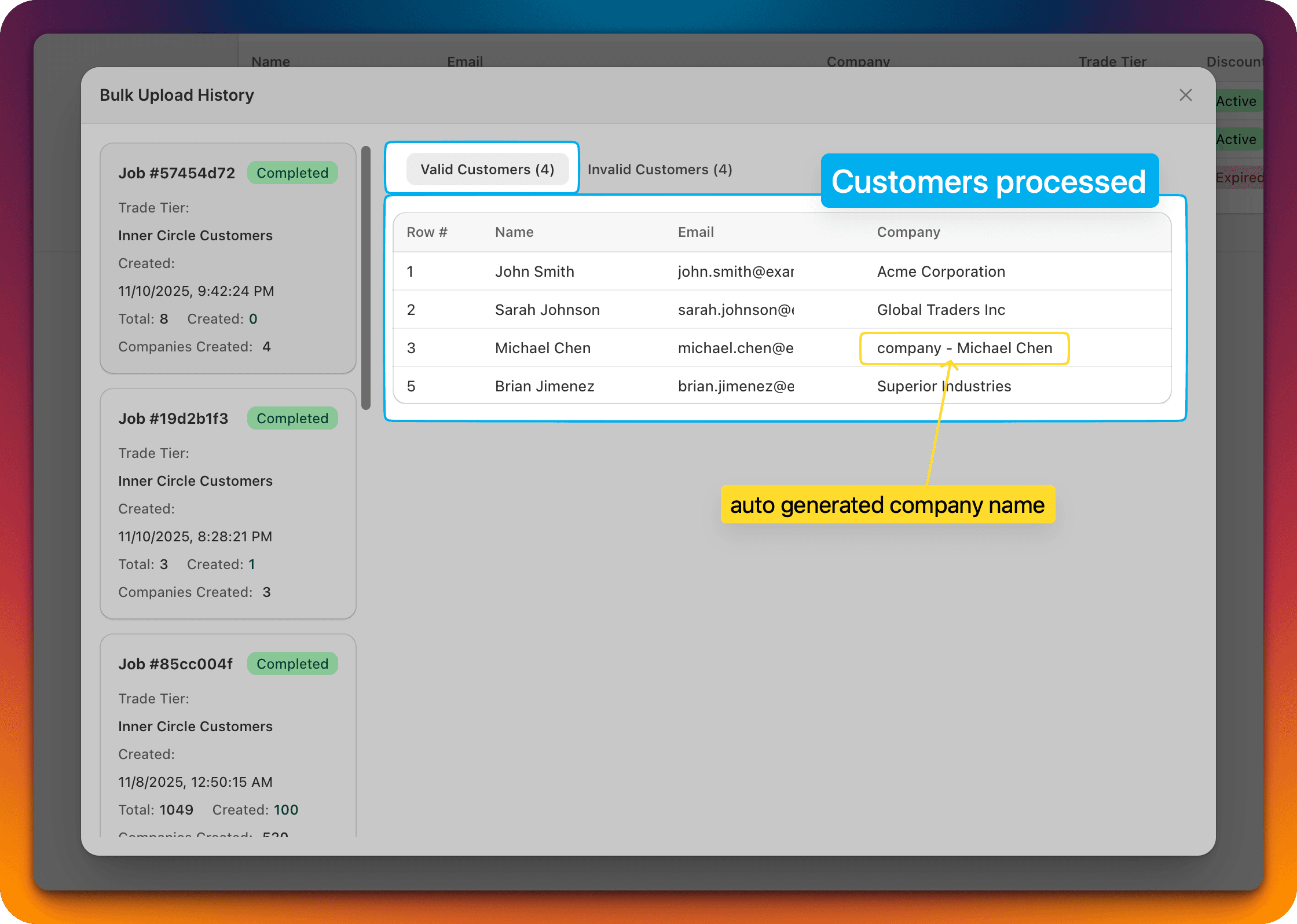
All the processed customers are listed in the "Valid Customers" tab.
-
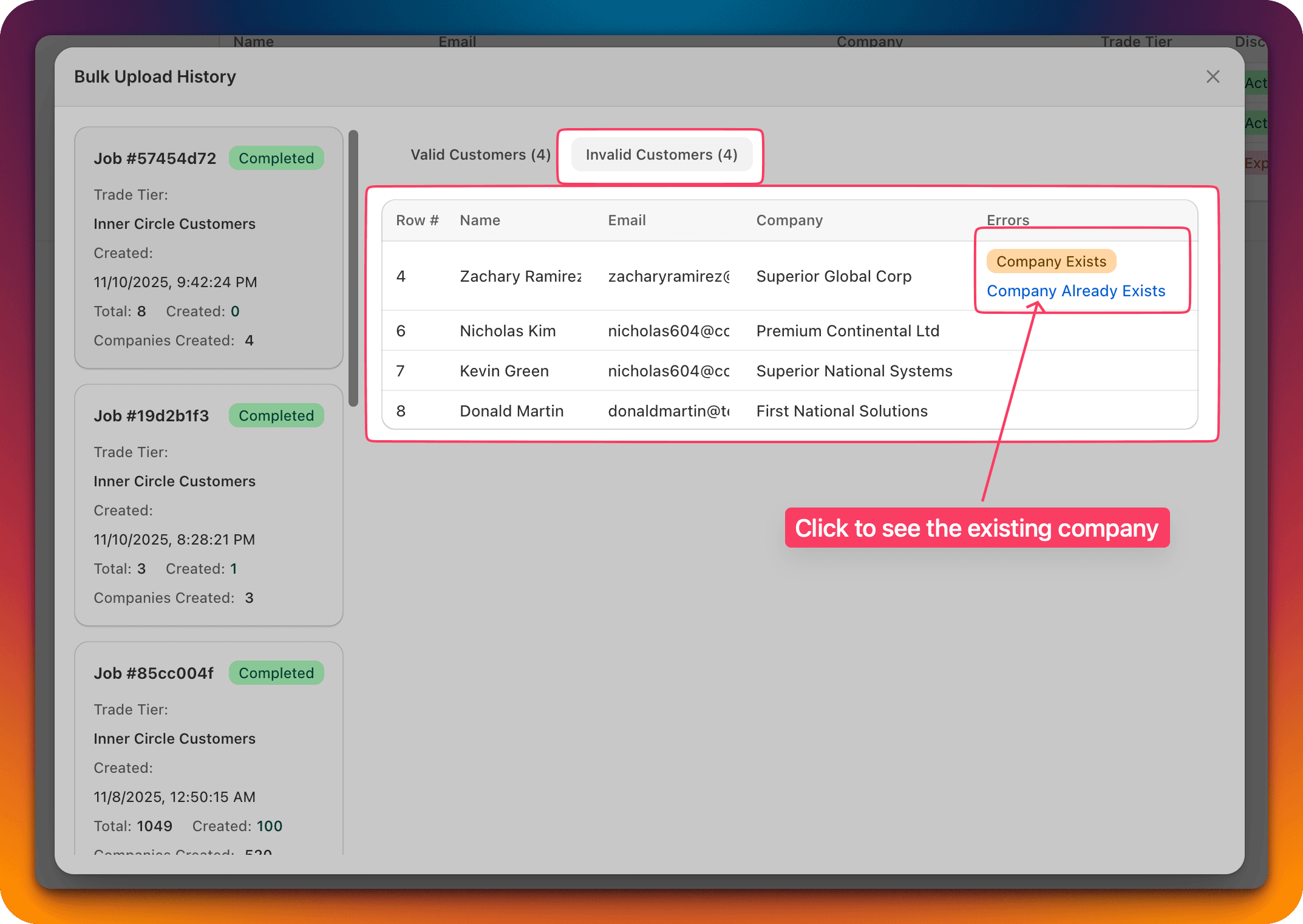
All the ignored customers are in the "Invalid Customers" tab.
-